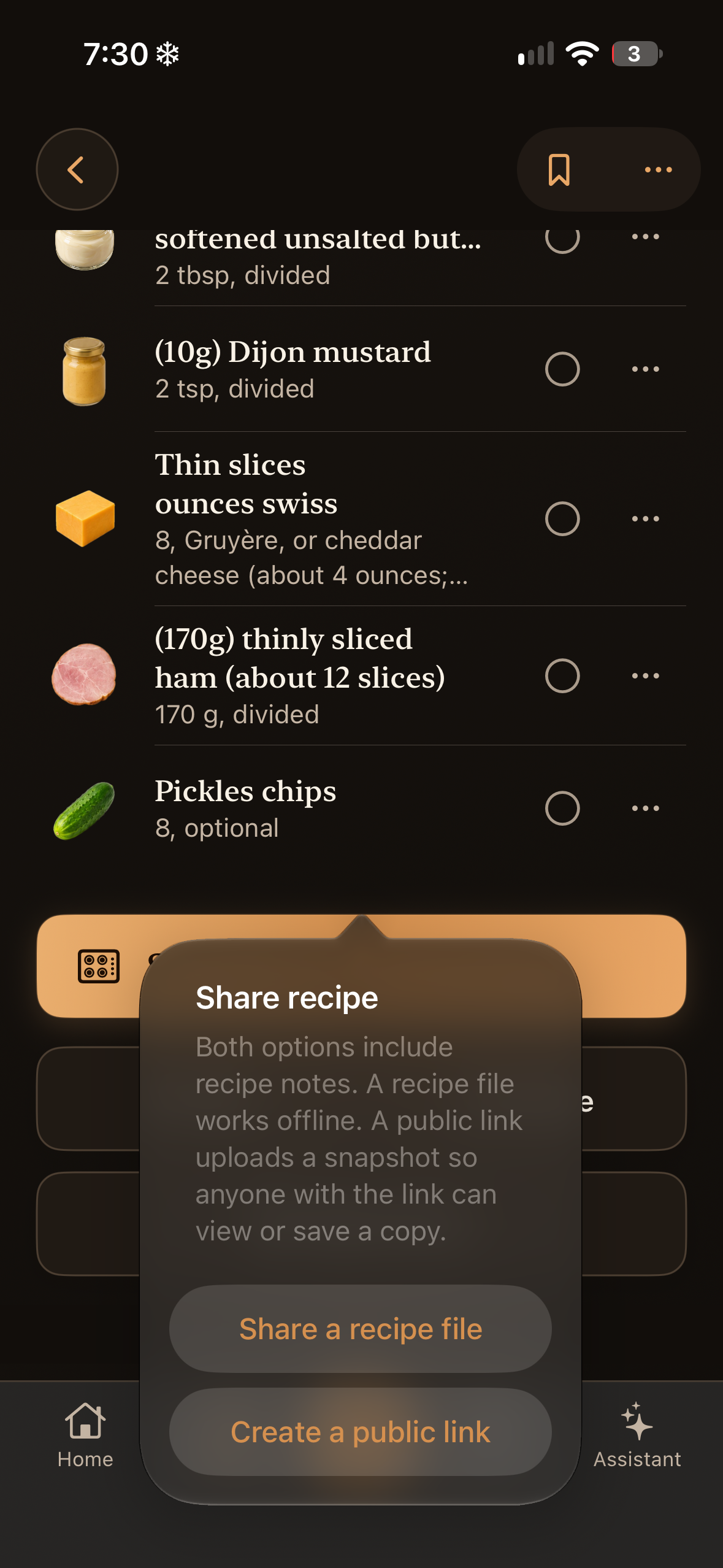
Pass a favorite along
Choose a portable recipe file or an easy-to-open public link.
Send a recipe file
From a recipe, choose Share a recipe file to create a .saffron copy. Send it through the share sheet. The recipient can open it in Saffron; creating the file does not publish it online.
Create a public link
Choose Create a public link for a recipe someone can read in their browser. The uploaded snapshot includes its selected photo and notes. Anyone with the link can view it, download it, or save an independent copy.
Review before sharing
Both methods can include recipe notes. Remove anything personal before sharing. Later edits to your recipe do not update a public snapshot. Contact Support@cooksaffron.com about removing a published link.
Open a .saffron file
Tap the file in Files, Mail, or Messages and open it with Saffron, or use Share → Saffron. There is no separate Saffron-file import option inside the app. Imported recipes are independent copies. File creators can use the format reference below.