SAFFRON / HELP & GUIDES
Make yourself at home
Find your recipes, add a favorite, and make Saffron feel like your kitchen.
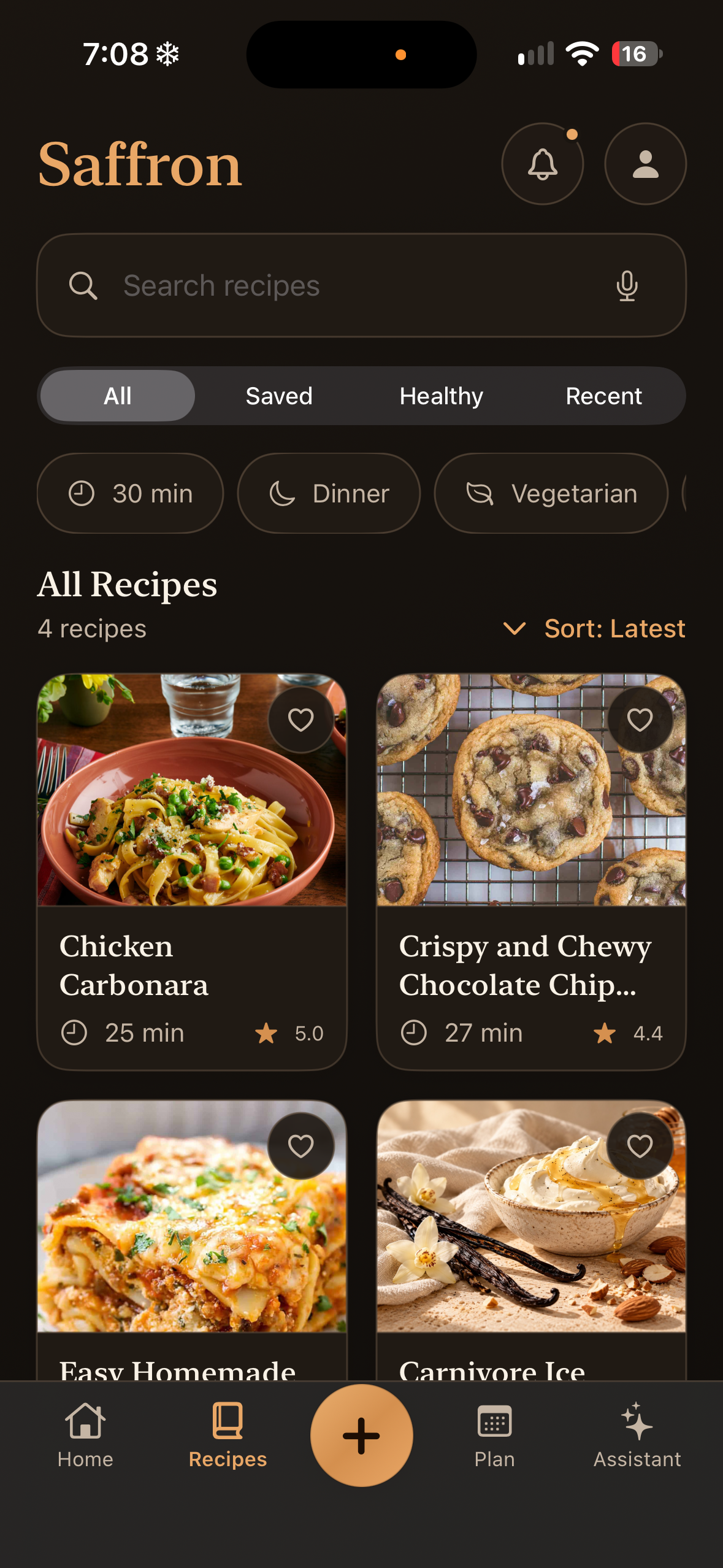
Your recipe collection
Your saved recipes are your starting point. Open a recipe to see its ingredients, method, yield, and notes. Favorites and collections make the recipes you return to easier to find.
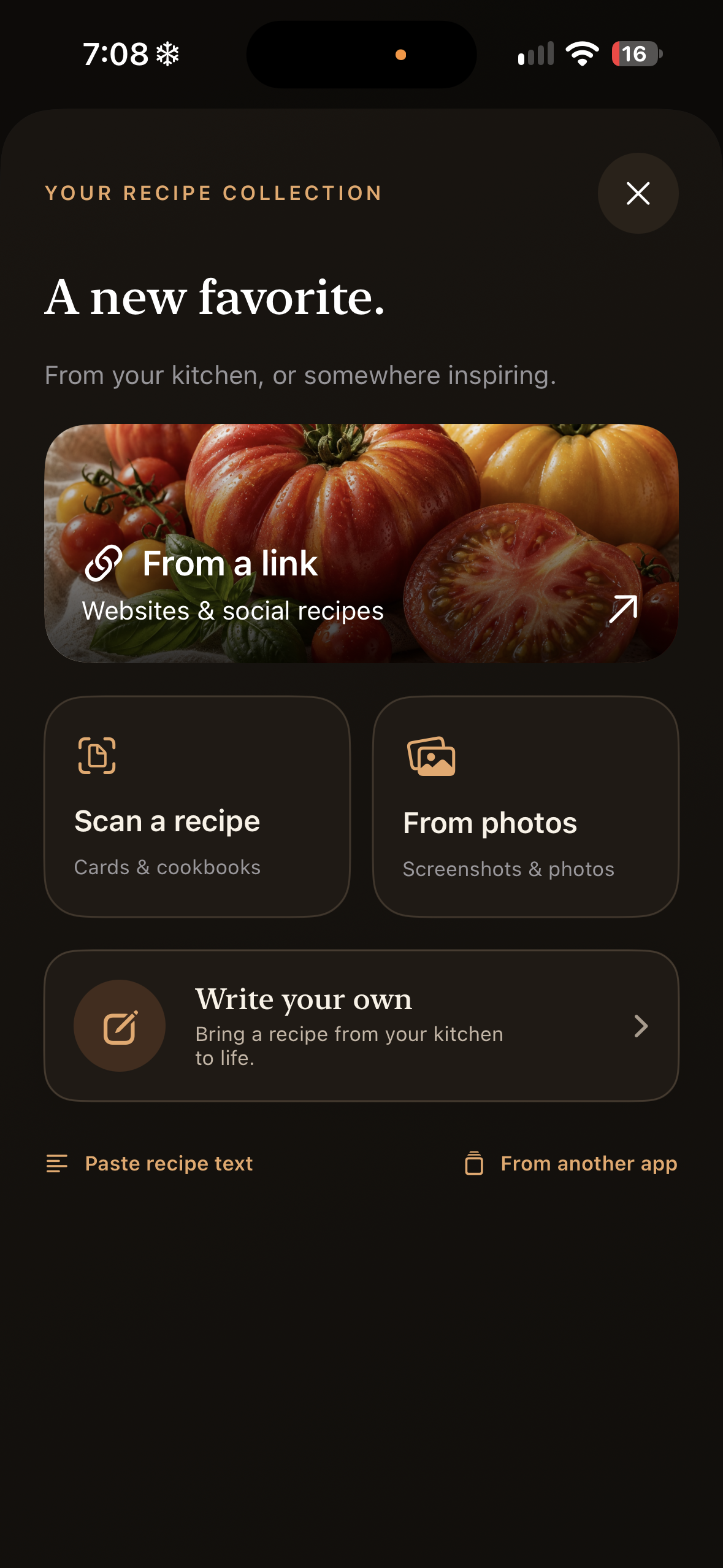
Add your first recipe
Tap + and choose the source you have: a website link, scan, photos, recipe text, or a recipe you want to write yourself. For an existing collection, use Settings → Import from another app.
Make it yours
In Settings, add your name and choose your appearance, measurements, home screen, and cooking preferences. You do not need to create a Saffron account.