Bring your recipes along
From a favorite website to a handwritten family recipe.
From a website or social post
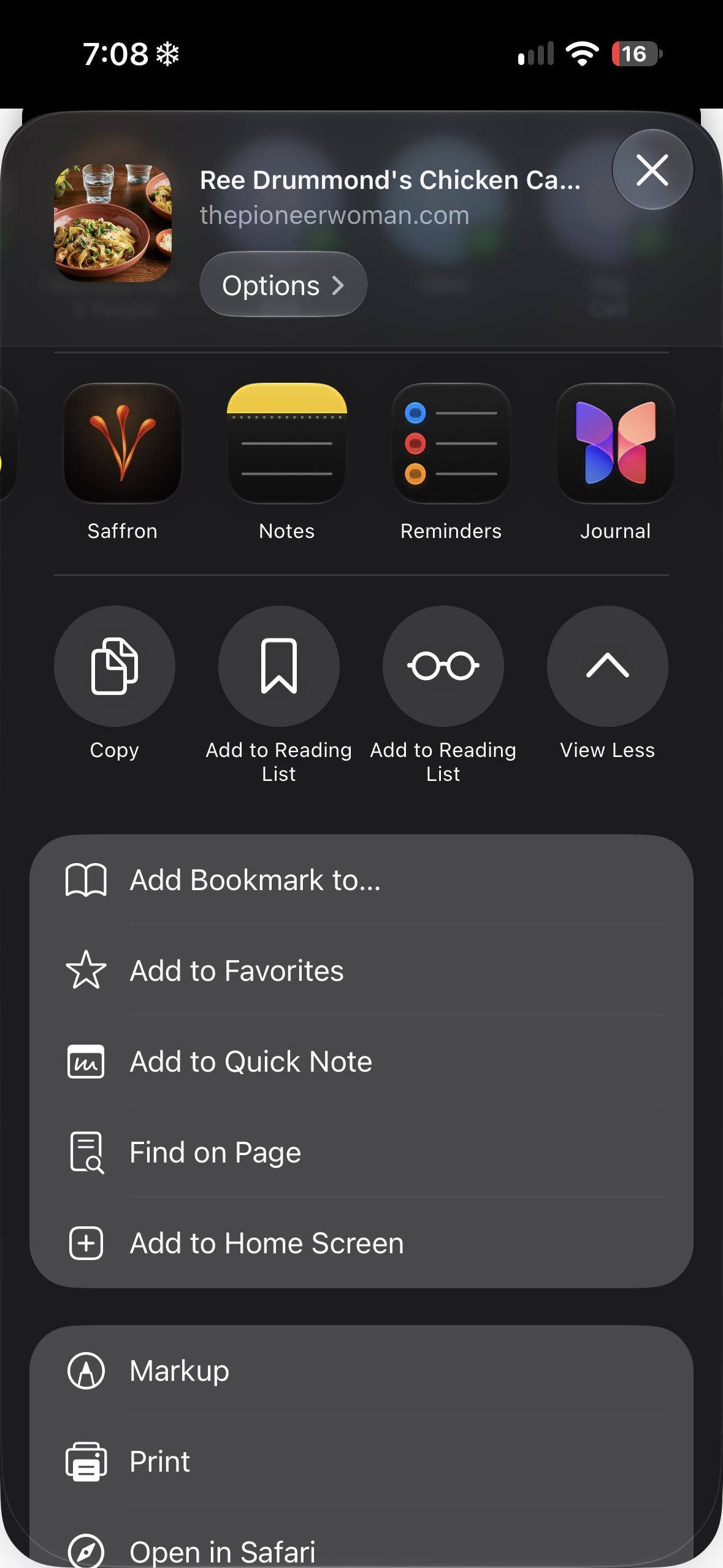
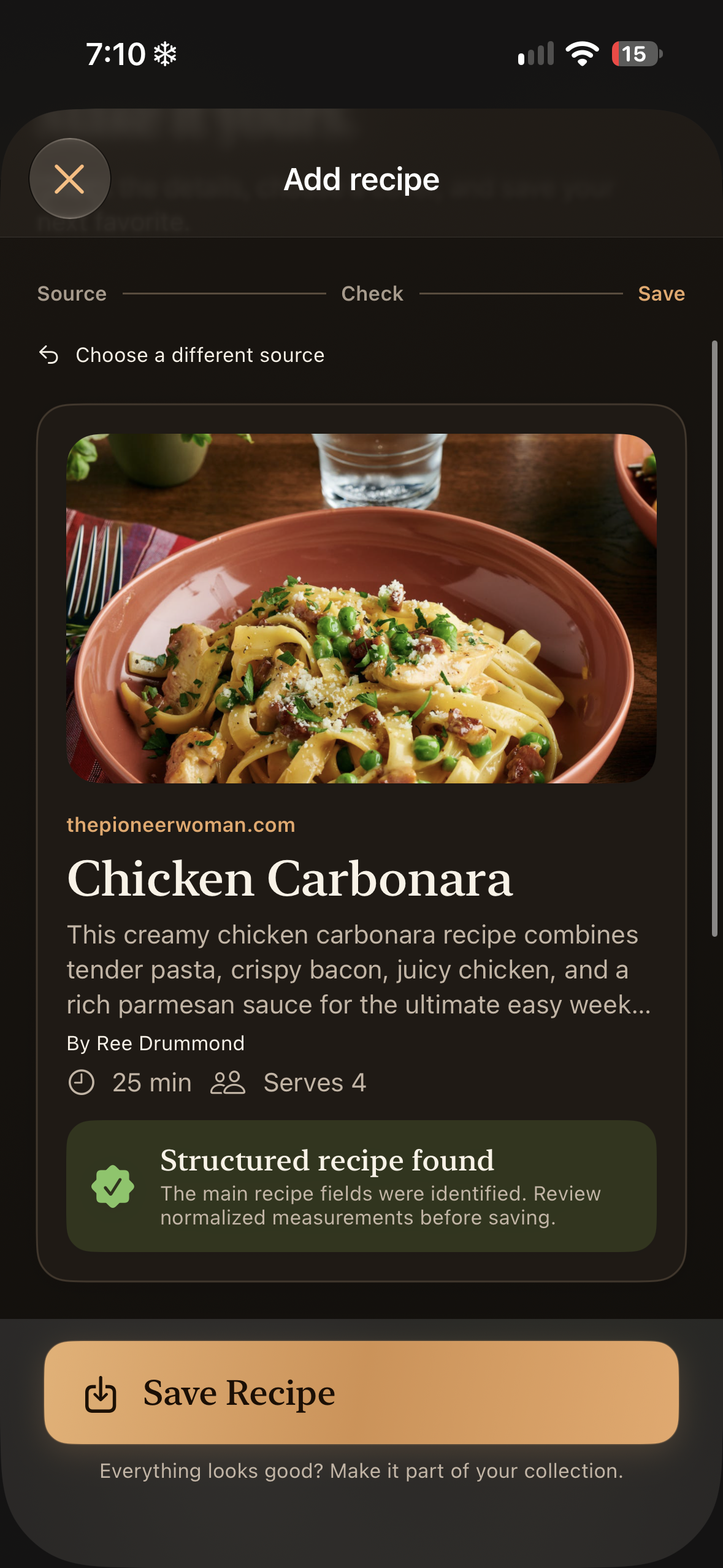
In Safari, open the recipe, tap Share, then Saffron. Wait for the import confirmation before returning to browsing. You can also paste a link through +. If Saffron is missing, check the share sheet’s list of apps.
When a link does not contain the recipe
Some social posts and websites restrict access or keep ingredients in a caption or image. Copy the complete recipe text, or import screenshots that include the ingredients and method. A link to a video alone may not contain enough information.
From another recipe app
Export your collection from the original app, then open Settings → Import from another app. Choose the matching source and review what was found before adding it. Supported sources include Paprika and Mela, alongside supported JSON, CSV, Markdown, and text exports.
While an import is running
You can continue using Saffron after the import confirmation. Large collections are best left overnight with your device charged and Saffron available. Avoid swiping Saffron away; iOS decides when work can continue while the app is inactive.
Check the result
Saffron tidies descriptions and ingredient wording and preserves recipe notes when available. Compare amounts, units, temperatures, and directions with the source before cooking. You can correct anything in Edit Recipe.